
What we do · Backup and recovery
Backup and recovery: a separate copy, tested and restorable.
Microsoft runs your email and files. Getting them back after a mistake or an attack is your job, not theirs. We keep the copy.
Part of Concierge IT for Business · Included in $125 per person
Already have an IT person? Keep them as the first call; we carry security, backups, nights and vacations. How we work with your IT person →
- $125
- per person, per month. Security in every plan.
- 15 min
- usual answer, from someone who knows your setup. Our night team takes anything urgent.
- Your choice
- A client for life, because it works. If it is not working for you, you can end it with 60 days' notice.
★★★★★ 5.0 on Google · SOC 2 Type II · Founded in Florida in 1995
Thirty minutes, no pitch.
With Pedro, Bill or Leah, who look after new clients. You leave with a plan, and you meet your own team before you decide.



Pedro, Bill and Leah
Pick a time to talk- ✓ Help in about 15 minutes, from people who know your setup.
- ✓ Keep your IT person. Your firm keeps the admin keys.
- ✓ Insurance renewal? We fill in the questionnaire with you; watching around the clock within 14 days.
- ✓ 10 people: $1,250 a month, plus $220 for Microsoft licenses: $1,470 a month.
“That was the last time I had to write an apology letter to my clients.”
Backup and disaster recovery services, with data backup you can restore, in Winter Haven, Orlando, Tampa, St. Petersburg, and Miami.

Microsoft keeps your email running. Getting it back is on you. So we keep the copy.
Microsoft keeps your email and files running. It does not promise to get them back after someone deletes a folder, a mailbox is wiped by an attacker, or a file is encrypted by ransomware. That is on you. So every Concierge IT plan includes a separate, encrypted backup of your Microsoft 365, kept apart from your own Microsoft 365 account and restorable from any day it was backed up. The copy is a separate thing, kept by us, so getting a deleted folder back takes an hour, not a week. None of it is a line of its own on the invoice: the copy, the restore and the loaner are day-to-day work inside the plan.
Not sure the backups would work if the server died tonight? It works, mostly.
A deleted folder is back in an hour, not a week.
What Microsoft keeps, and what you need back
Six things that go wrong, and where each one comes back from.
| Microsoft keepsRunning, every day | You need backFrom the separate copy | |
|---|---|---|
| Email and files, running | Yes, every day | Not the question on a bad day |
| A folder someone deleted | Not promised | Back, from any day it was backed up |
| A mailbox wiped by an attacker | Not promised | The whole mailbox, from before the attack |
| Files encrypted by ransomware | Not promised | Your files, from before they were encrypted |
| A tested restore | Not Microsoft's job | Restored on purpose, regularly, so it works under pressure |
| A spare laptop while yours is replaced | No | On our shelf, signed in, with your files where you left them |
Every Concierge IT plan includes the separate backup of your Microsoft 365, kept apart from your own account, for a year by default or as long as you are a client.
What the insurer asks
Every cyber insurance application now asks whether backups are kept separate from your systems and whether a restore has been tested this year. Ransomware encrypts the backups it can reach, and untested backups often fail. Here the copy is kept apart from your Microsoft 365 account and restored on purpose, regularly, so the answer on the form is yes, with the proof of the last restore test beside it. Email is archived and kept as long as the rules require; with Security + Compliance, full legal hold and eDiscovery.
What is in place
- Your Microsoft 365, every day. Email, calendars and contacts, OneDrive and SharePoint files, Teams and Planner, and your directory of users, backed up automatically every day, and on request whenever something is about to change.
- Kept as long as you need it. A deleted item stays recoverable for a year by default, and for as long as you are a client if your records call for it. We set it with you.
- Restorable from any day it was backed up. A single file from last Tuesday, or a whole mailbox from before the attack.
- Tested. We restore things on purpose to make sure we can restore things under pressure.
- No limit on how much. The backup grows with you, with nothing to buy as your files and mailboxes grow.
- A spare on the shelf. If the laptop is the thing that failed, a loaner from our shelf is yours while the new one is on its way. If it is the network, spare equipment is on the shelf too.
What we can bring back
One email, one file, a folder, a whole mailbox or a whole Teams team, from any day it was backed up. It goes back where it came from, or into someone else's account if the person has left, or to you as a copy to keep. The people and groups in your Microsoft 365 are backed up too, so an account or a group deleted by mistake can be restored. And when someone leaves, their mail and files stay recoverable after the account is gone, for as long as the backup is kept.
When something goes wrong
You reach out, any way you like. Someone who knows you takes it on, usually within 15 minutes; after hours, our night team takes anything urgent within 15 minutes. We get your people working first, on the spare if we have to, and then we get the data back. The problem stays with us until it is finished, and you hear from us before you have to ask.
Projects and moves
Eight services, one team that knows your setup.
How projects work
Quoted before the work starts.
Office moves
Stop Friday, start Monday.
Moving to Microsoft 365
Email and files moved, nothing lost.
You are here
Backup and recovery
A separate copy, restorable anytime.
Computers and equipment
Standard models, spare on our shelf.
Microsoft Azure
Servers without a server room.
Networks and Wi-Fi
Firewall, switches and Wi-Fi, as one.
Phones
In Teams, or working with it.
All of it inside Concierge IT for Business, from $125 per person a month. Managed IT services · Pricing
Who you will know by name
The copy is kept apart from the systems it protects, and tested on purpose.




Chris Bridges and Javier Pereira, Concierge Leads, with Jonathan Jones and Chris Munoz. The whole company is behind them. Meet everyone →
We recently experienced an issue, Chris B. responded immediately. He quicky identified and resolved the problem. We appreciate his quick response and excellent service.
How it works
Three steps, and the team is yours.

A 30-minute call
Tell us what is working and what is not. We will tell you honestly if we fit.
Your first month
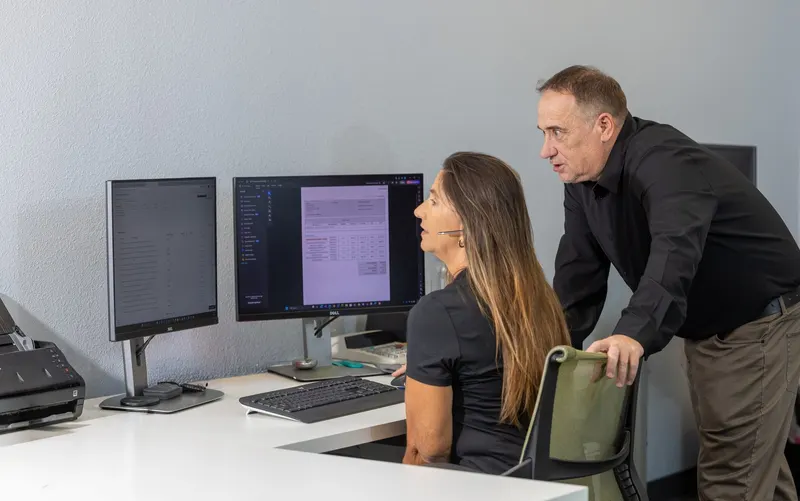
Day one, you meet your team by name. Within 14 days the separate backup is running for your Microsoft 365, and we have restored something on purpose to prove it.

Your team takes it from here
You reach out, and someone who knows you takes it on, usually within 15 minutes.
What it costs
The separate, tested backup is part of Complete, not a line of its own.
One plan, $125 per person, per month, with two add-ons when your work calls for them.
Everyone starts here
Complete
$125per person, per month
Your team, security, devices, backup, planning and Microsoft 365 care. Getting a file or a mailbox back is day-to-day work, included.
When you must show proof
Security + Compliance
+$30per person, per month
For offices working to HIPAA, the FTC Safeguards Rule, CJIS or CMMC.
For the people who use it
Copilot, AI for work
+$30per person, per month
Microsoft Copilot set up safely, only for the people who need it.
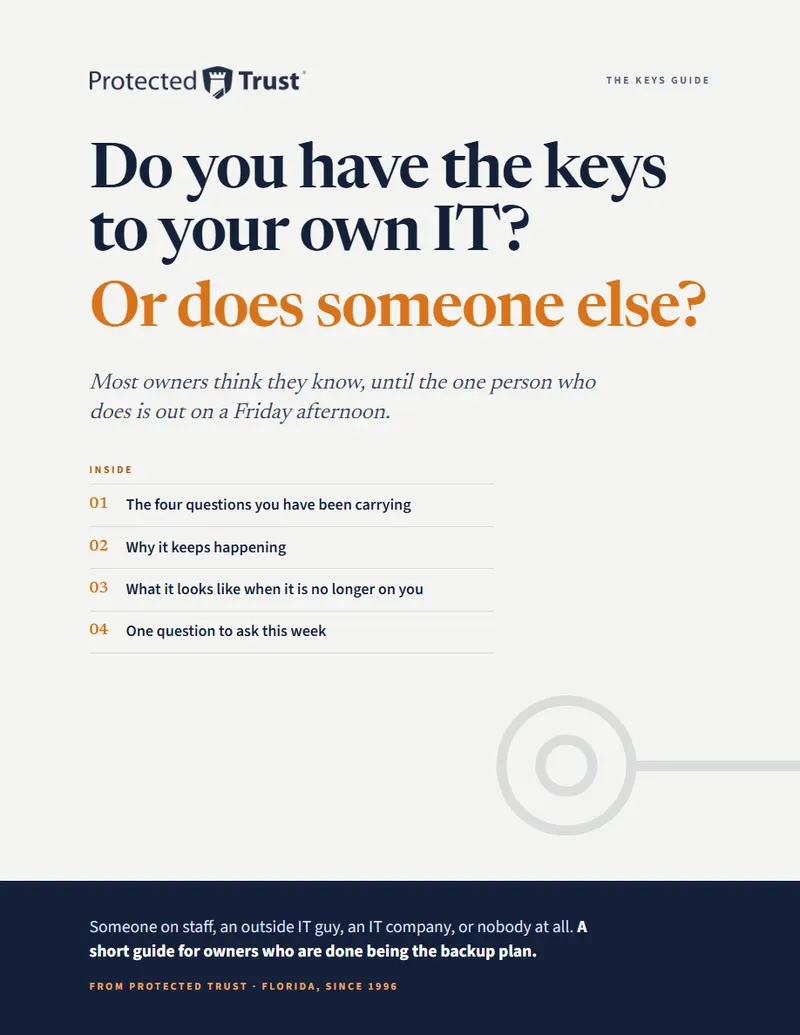
Not ready to talk yet?
Do you have the keys to your own IT? Or does someone else?
Most owners think they know, until the one person who does is out on a Friday.
Leah writes to you once, by name. Nobody adds you to a list.
Questions people ask
Plain answers.
What do backup and disaster recovery services cost?
Nothing on top of the plan. Concierge IT for Business is $125 per person, per month, and the separate, tested backup of email, files, Teams and contacts is part of it; so is getting something back.
Does Microsoft not back up our email and files?
Microsoft keeps them running. It does not promise to get them back after someone deletes a folder, an attacker wipes a mailbox, or ransomware encrypts the files. That part is on you, so a separate backup is part of every Concierge IT plan.
How far back can you restore?
To any day it was backed up, for as long as it is kept: a single file from last Tuesday, or a whole mailbox from before the attack.
What does the backup cover?
Your Microsoft 365: email, calendars, contacts, OneDrive and SharePoint files, Teams, Planner and your directory of users. A server in Azure has a backup of its own, set up with it. Other business software we look at with you, and tell you plainly what protects it.
How long are backups kept?
A deleted item stays recoverable for a year by default, and for as long as you are a client if your records call for it. We set it with you on day one.
What about a server, or the office itself?
A server that still matters moves to Azure, where it has a backup of its own, set up with it. And because your files live in Microsoft 365, a storm or a power cut at the office does not stop your people working from wherever they are.
Someone left months ago. Can we still get their email?
Yes, for as long as the backup is kept. Their mail and files stay recoverable after the account is removed, and we can put them in a colleague's account or give you a copy.
How do we know the backup works?
Protected Trust restores things on purpose, regularly, to know they can be restored under pressure.
What if the laptop is the thing that failed?
A loaner from the Protected Trust shelf is yours while the new one is on its way, signed in and ready, with your files where you left them.
And if it is the network that failed?
Spare equipment is on the shelf too: configured, driven over, and in place while the replacement is on order.
Thirty minutes with a real person.
Tell us what you could not afford to lose. We will tell you honestly whether it is backed up today.
Pick a time Or call 863-594-1141
Opens our booking calendar in a window.