
Managed IT · Copilot, AI for work
Copilot, AI for work: switched on with your data protected first.
Copilot is Microsoft's AI assistant inside Word, Outlook, Excel, and Teams. Before it turns on, we make sure what each person can reach is right.
Added to Concierge IT for Business · Added to Complete
- +$30
- per person, per month, only for the people who use it, plus Microsoft's license.
- Ready first
- Permissions reviewed and oversharing fixed before it turns on, quoted once.
- Any month
- Add people or take them off whenever you like.
★★★★★ 5.0 on Google · SOC 2 Type II · Founded in Florida in 1995
Thirty minutes, no pitch.
With Pedro, Bill or Leah, who look after new clients. You leave with a plan, and you meet your own team before you decide.



Pedro, Bill and Leah
Pick a time to talk- ✓ Introduced to each person by your team, not by a link in an email.
- ✓ Copilot answers only from what each person can already open.
- ✓ After the first month, a look at who uses it and what it saves.
“I have been using the services of Protected Trust since 2010. They constantly deliver on the needs of my companies from SOC audits to employee onboarding and off boarding.”
AI readiness assessment service and Copilot integration services in Winter Haven, Orlando, Tampa, St. Petersburg, and Miami.
A shared folder Copilot could read
Most companies have files shared more widely than anyone remembers. Copilot will find them.
Copilot sits inside the Microsoft 365 your people already use. In Outlook it drafts a reply and catches you up on a long thread. In Word it writes the first draft from your notes. In Excel it answers a question about the numbers. In Teams it tells you what you missed in the meeting.
It can read anything a person can reach. So before it turns on, the first step is a readiness project: permissions reviewed, oversharing fixed, sensitive files labeled, sites that should never appear in an answer held back, and a written AI use policy for your staff. Then Copilot turns on for the people who will use it, introduced by your team rather than by a link in an email.
Company files, as Copilot would see them
Press a numbered part to see what it means.
Shared more widely than anyone remembers. Copilot would find every file in it. Permissions are reviewed and fixed before it turns on.
Sensitive, and unlabeled. A label protects it wherever it goes, and keeps it out of an answer it should not be in.
An old link still open. Reviewed and closed.
The written policy for your staff: what Copilot may be used for, and what never goes into a consumer AI tool.
Before it turns on
Six things in place first. Tick what is already true at your office.
The readiness project does whatever is not ticked, once, quoted with your setup.
Your score
0 of 6
answered yes, with the proof in hand
Most offices start here. The readiness project does all of it, once, before Copilot can find anything.
What it does at your office
- The office manager. Catches up on a long vendor thread, drafts the new-hire checklist from last year's file, and gets a recap of the Teams meeting with who owes what.
- The owner. Asks what was promised to a client this quarter, and gets an answer drawn only from what the owner can already open. A long proposal comes back as one page.
- Sales. A first draft of a proposal built from the last ones that won, and the follow-up email written after the call.
- Accounting. Questions about a spreadsheet asked in plain words, and a client letter drafted from the engagement notes.
- A practice or a firm. Long policies and documents summarized, while patient and client files stay labeled and protected, with Security + Compliance.
The Copilot you may already have
Microsoft 365 already includes Copilot Chat. It answers from the web and from the files you hand it. The Copilot license is what lets it work from your own email, meetings, chats and files, inside Word, Outlook, Excel and Teams, and adds agents that research and analyze for you. That is the useful part, and it is also why the readiness comes first: once it can reach your files, it can reach every file a person can open.
After it is on, it stays safe.
- Quarterly access reviews, so the permissions stay right as people and projects change.
- A watch for company data ending up in consumer AI tools.
- AI agents held to the same rules as your people, with what they do logged.
- Help for the people who are stuck. We can see who is using it and who is not, and we work with the ones who are not.
- A look after the first month, with you, at who uses it and what it saves, and the list changed if it should change.
Copilot can see only what a person can already reach. That is why permissions come first, and why access is reviewed every quarter so it stays right. You add it for the people who will use it and nobody else, and you can change the list any month.
Managed IT
Eight services, one team that knows your setup.
Managed IT services
The whole plan, $125 per person.
IT support
When something is wrong.
Co-managed IT
You lead. We carry the load.
Microsoft 365
Kept simple, even the licensing.
Planning and strategy
Next year's plan, with a budget.
You are here
Copilot, AI for work
Switched on, your data protected first.
Small business IT support
Stop being the IT person.
IT services company
One company for all of it.
All of it inside Concierge IT for Business, from $125 per person a month. Managed IT services · Pricing
Who you will know by name
Introduced by people who know your business, not by a link in an email.




Chris Bridges and Javier Pereira, Concierge Leads, with Jonathan Jones and Chris Munoz. The whole company is behind them. Meet everyone →
Chris Munoz is always ready to help, provide guidance, quick to respond, quick to act and support when an issue occurs.
How it works
Three steps, and the team is yours.

A 30-minute call
Tell us what is working and what is not. We will tell you honestly if we fit.
Your first month
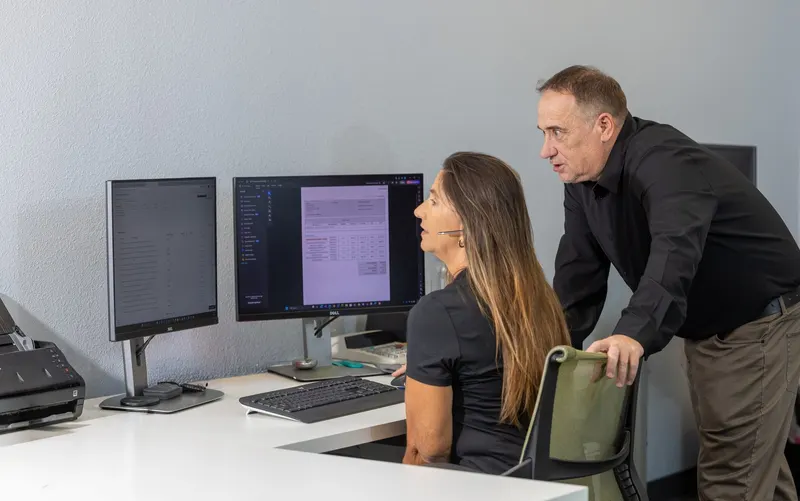
Day one, you meet your team by name. The readiness project runs in the first weeks: permissions reviewed, oversharing fixed, files labeled, the policy written. Then Copilot turns on for the people who will use it.

Your team takes it from here
You reach out, and someone who knows you takes it on, usually within 15 minutes.
What it costs
Copilot is an add-on to Complete, for the people who use it.
+$30 per person, per month, only for the people who use it, on top of Complete at $125.
The add-on
Copilot, AI for work
+$30per person who uses it
Microsoft Copilot set up safely, with your data protected first, for the people who write, read and sort a lot every day. Plus the Copilot license from Microsoft.
Required first
Complete
$125per person, per month
Your team, security, devices, backup, planning and Microsoft 365 care. Copilot is added to it for the people who use it.
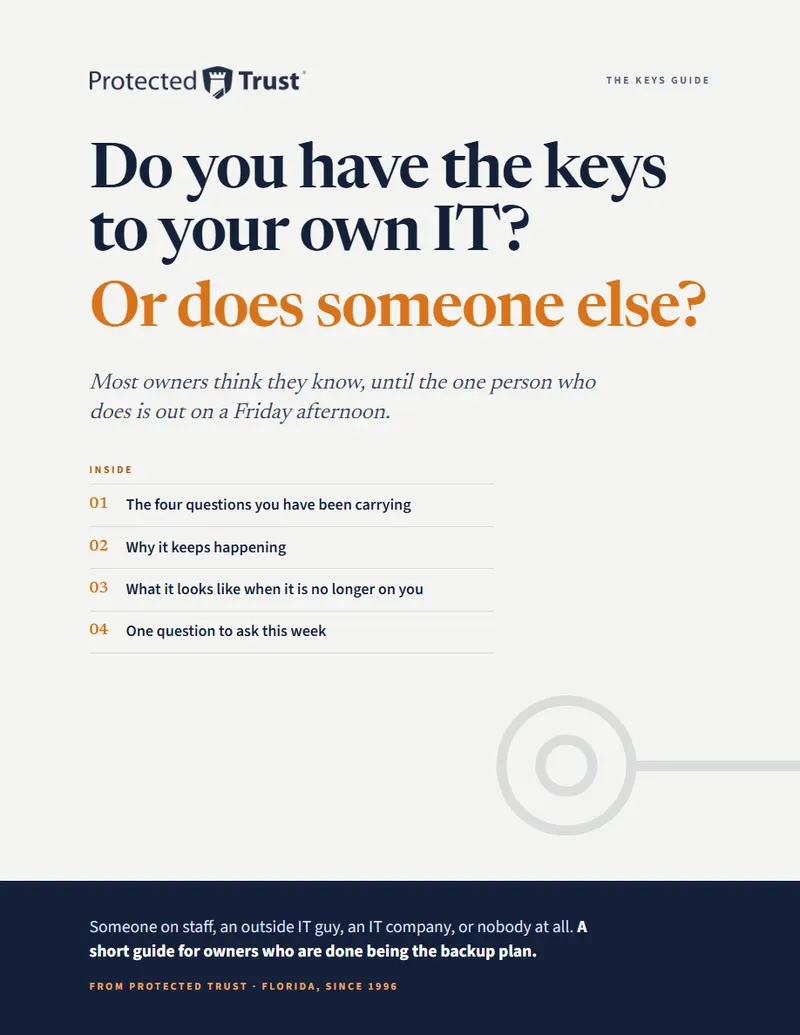
Not ready to talk yet?
Do you have the keys to your own IT? Or does someone else?
Most owners think they know, until the one person who does is out on a Friday.
Leah writes to you once, by name. Nobody adds you to a list.
Questions people ask
Plain answers.
Do we need Copilot for everyone?
No. Microsoft Copilot is for the people who write, read, and sort a lot every day. You add it for them and nobody else, and you can change the list any month.
What does the Copilot readiness project do?
It finds what is shared more widely than anyone remembers and fixes it before Copilot can find it: permissions reviewed, sensitive files labeled, and a written AI policy for your staff.
Can Copilot see things it should not?
Copilot can see only what a person can already reach. That is why permissions come first. After it is on, Protected Trust reviews access every quarter so it stays right.
What does Copilot cost?
$30 per person, per month, plus the Copilot license from Microsoft, for the people who use it. The readiness project is one time, quoted with your setup.
What does an AI readiness assessment cover?
Who can reach what in your Microsoft 365, the files shared more widely than anyone remembers, the sensitive files that need a label, and a written AI use policy for your staff, in a report you keep. It is done once, before Copilot turns on.
Does Microsoft use our data to train its AI?
No. Microsoft says your prompts, its answers and the data in your Microsoft 365 are not used to train its models, and Copilot uses only the company files each person can already open.
We already have Copilot Chat. Is that not enough?
For questions about the world, often yes. For your own work, no: Chat cannot work from your email, meetings or files on its own. That takes the Copilot license, and it is what makes the readiness matter.
Can Copilot see payroll?
Only if the person asking can already open it. The readiness project finds files like payroll that are shared too widely, labels them, and can hold whole sites out of Copilot's answers.
Is it safe for a medical or legal practice?
It respects the labels and permissions on your files. Practices that answer to regulators add Security + Compliance for the records, the labels and the audit trail. Copilot's questions and answers can be kept and searched like any other record.
What are agents?
Copilot helpers that do a task on their own, such as researching a question or pulling numbers together. They follow the same rules as your people, and what they do is logged.
How do we know it is worth it?
After the first month we look with you at who uses it and what it saves. If someone is not using it, they come off the list.
What does Copilot consulting with Protected Trust include?
The readiness project before it turns on, the setup for the people who will use it, introduced by your team, and the quarterly access reviews and the watch afterward. The project is quoted once with your setup; the rest is part of the plan.
Thirty minutes with a real person.
Tell us who would use Copilot at your office. We will tell you honestly what to fix before it turns on.
Pick a time Or call 863-594-1141
Opens our booking calendar in a window.