
Cybersecurity · Security training
Security awareness training for your people
Short, regular, and real. Your people learn to spot a scam before it costs you anything.
Part of Concierge IT for Business · Included in $125 per person
Already have an IT person? Keep them as the first call; we carry security, backups, nights and vacations. How we work with your IT person →
- $125
- per person, per month. Security in every plan.
- 15 min
- usual answer, from someone who knows your setup. Our night team takes anything urgent.
- Your choice
- A client for life, because it works. If it is not working for you, you can end it with 60 days' notice.
★★★★★ 5.0 on Google · SOC 2 Type II · Founded in Florida in 1995
Thirty minutes, no pitch.
With Pedro, Bill or Leah, who look after new clients. You leave with a plan, and you meet your own team before you decide.



Pedro, Bill and Leah
Pick a time to talk- ✓ Help in about 15 minutes, from people who know your setup.
- ✓ Keep your IT person. Your firm keeps the admin keys.
- ✓ Insurance renewal? We fill in the questionnaire with you; watching around the clock within 14 days.
- ✓ 10 people: $1,250 a month, plus $220 for Microsoft licenses: $1,470 a month.
“They found the root cause, confirmed everything was back to normal, and even flagged the faulty device for a closer look so it doesn't happen again.”
Cyber security awareness training in Winter Haven, Orlando, Tampa, St. Petersburg, and Miami: short, regular, and finished.

- 1Once a quarter, a five-minute course arrives in the inbox, with a due date and a reminder.
- 2In between, a practice email arrives with no warning.
- 3The person who clicks sees a short lesson right away, and that is the end of it.
- 4Once a month, you see the whole picture on one page.
What it looks like from a desk
Five minutes a quarter, a surprise now and then, and nobody shamed.
Once a quarter a course arrives in the inbox, with a due date and a reminder. It takes about five minutes and looks like the real thing: a call, an email, a video meeting, a login page. In between, a practice email arrives with no warning. The person who clicks sees a short lesson right away, and that is the end of it. Once a month, you see the whole picture on one page.
Most attacks start with a person. So does the protection.
Most attacks start with a person, not a computer: an email that looks like it came from the boss, a text asking for a gift card, a login page that is not what it claims. The protection for that is a team that has seen it before.
- Short courses, about five minutes each. One a quarter, interactive, not an hour of video. Each is built around something that actually happens: the urgent call that sounds exactly like the CEO, the email from a colleague that reads exactly right, the video call where nobody on it is real, the lookalike login page. You answer the scenario rather than sit through a lecture, and the topics keep up with what attackers do now: deepfakes, cloned voices, and phishing written by AI.
- Practice phishing, unannounced. We send the kind of email an attacker would send, at random, so nobody can warn the office. Anyone who clicks gets a short lesson on the spot, not a lecture, and a little more practice. Nobody is shamed.
- A Report button, right in Outlook. One click on anything that looks off. Reporting a practice email counts in your favor; reporting a real one moves it out of your inbox and in front of the people who watch for it.
- Nothing for you to run. People are added from Microsoft 365 automatically, new hires on their first day. Lessons arrive in the inbox, reminders go out by themselves, and nobody at your office schedules anything or chases anyone.
- Plain reporting, the kind insurers ask for. A monthly report of who is trained and who clicked, and a certificate for each person who finishes a course. When a cyber insurance application or an audit asks for proof of training, it is already there.
- Workshops and guides when you want them: a lunch-and-learn for the office, a one-page guide for new hires.
What a practice email looks like
Would your people spot this one?
This is the kind of email the practice sends, with no warning. Press a numbered part of it to see what gave it away. The person who clicks sees a lesson like this right away, and that is the end of it.
Hi, the vendor changed banks. Please send today's payment to the new account before 3pm. Updated details are here:
Press a numbered part of the email.
Flag 1
The address is one letter off. “firrn”, not “firm”. Read the sender, not just the name.
Flag 2
Urgency and money in the same sentence. Real vendors do not threaten to close the account today.
Flag 3
The button hides where it really goes. Hover first, and confirm any bank change by phone.
Security + Compliance
Six services, one team that knows your setup.
Cybersecurity services
In every plan, not an upgrade.
Security + Compliance
HIPAA, FTC Safeguards, CJIS, with proof.
Cyber insurance
The renewal questionnaire, answered truthfully.
You are here
Security training
Short, regular, with practice phishing.
Email security
Checked before anyone opens it.
Encrypted email
Private messages, straight from Outlook.
All of it inside Concierge IT for Business, from $125 per person a month. Managed IT services · Pricing
Who you will know by name
One click on Report, and it is in front of the people who watch for it.




Chris Bridges and Javier Pereira, Concierge Leads, with Jonathan Jones and Chris Munoz. The whole company is behind them. Meet everyone →
I contacted Protected Trust and received a quick response from Corey. He was knowledgeable, professional, and patient, and he quickly resolved the issue.
How it works
Three steps, and the team is yours.

A 30-minute call
Tell us what is working and what is not. We will tell you honestly if we fit.
Your first month
Day one, you meet your team by name. Everyone in Microsoft 365 is enrolled, the first short course arrives in the inbox, and the first practice email follows with no warning.

Your team takes it from here
You reach out, and someone who knows you takes it on, usually within 15 minutes.
What it costs
Training is in every plan, for everyone on it.
One plan, $125 per person, per month, with two add-ons when your work calls for them.
Everyone starts here
Complete
$125per person, per month
Your team, security, devices, backup, planning and Microsoft 365 care, with short, regular training and practice phishing for everyone on the plan.
When you must show proof
Security + Compliance
+$30per person, per month
For offices working to HIPAA, the FTC Safeguards Rule, CJIS or CMMC.
For the people who use it
Copilot, AI for work
+$30per person, per month
Microsoft Copilot set up safely, only for the people who need it.
Not ready to talk yet?
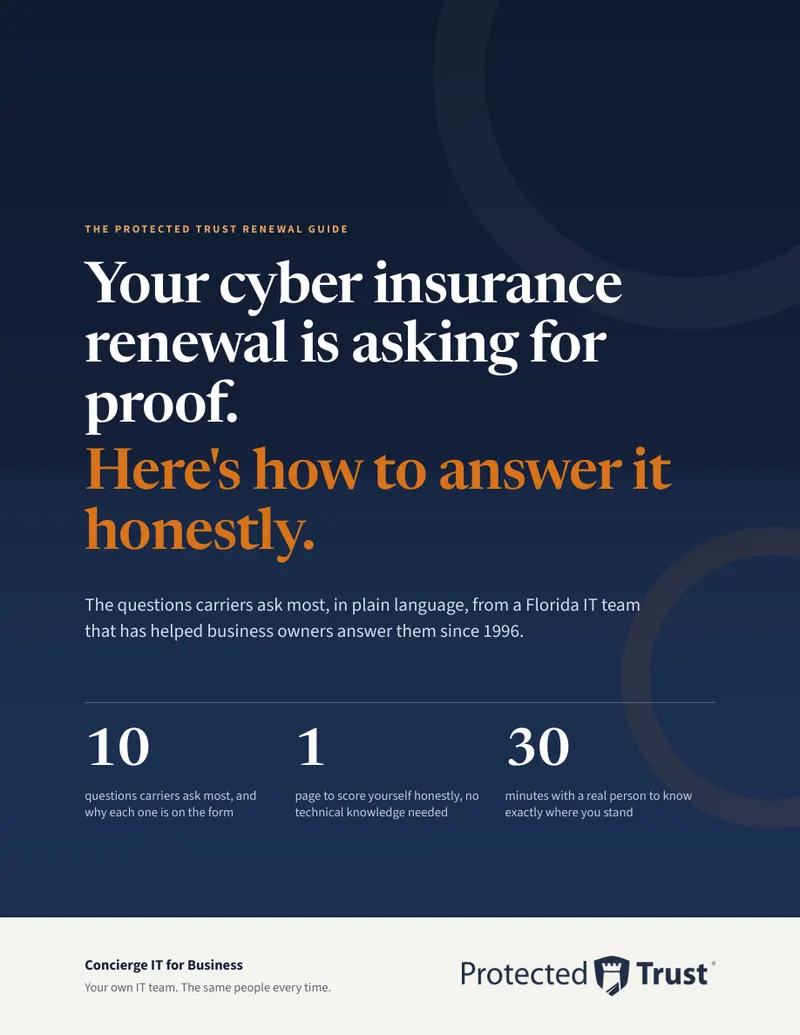
Your insurer's renewal questionnaire, answered.
The ten questions carriers ask most, in plain language, why each one is on the form, and one page to score yourself honestly.
Leah writes to you once, by name. Nobody adds you to a list.
Questions people ask
Plain answers.
How long does security training take?
About five minutes per course, one course a quarter, and the occasional practice email in between. Nobody sits through an hour of video.
What happens when someone clicks a practice phishing email?
Nothing bad. They get a short lesson and a little more practice. Nobody is shamed, and nobody is reported to the boss.
Does our insurer accept this training?
Most ask for exactly this. The monthly report shows who is trained and who is not, and each person has a certificate, which is exactly what a cyber insurance application asks for.
How is this different from the security training built into Microsoft 365?
Microsoft 365 filters mail well, and that is in every plan too. Ongoing training and practice phishing are a separate thing: Microsoft's own attack simulations sit in a higher license and need someone to design and run them. This program runs by itself, every month, for everyone, and the report writes itself.
What about new hires?
Anyone added to Microsoft 365 is enrolled on day one and starts with the foundations course, so the newest person in the office is not the easiest target.
What does security awareness training for employees cost?
Nothing beyond the plan. Concierge IT is $125 per person, per month, and the training is inside it for everyone on the plan, new hires included, with the monthly report and the certificates.
Thirty minutes with a real person.
Tell us how your people are trained today, if they are. We will tell you honestly if we fit.
Pick a time Or call 863-594-1141
Opens our booking calendar in a window.